Vehicle inspection software, from walkaround to repair.

Drivers check the vehicle on their phone. Failed items become defects with photos. You see what was checked, what was missed and what needs fixing, and every repair is recorded against the vehicle.

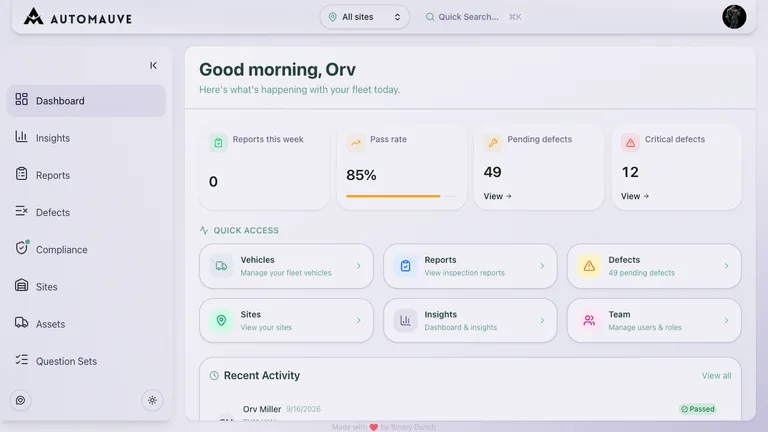
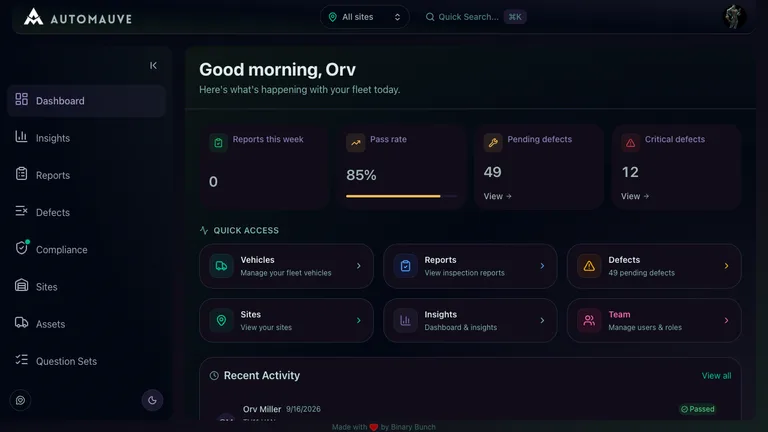
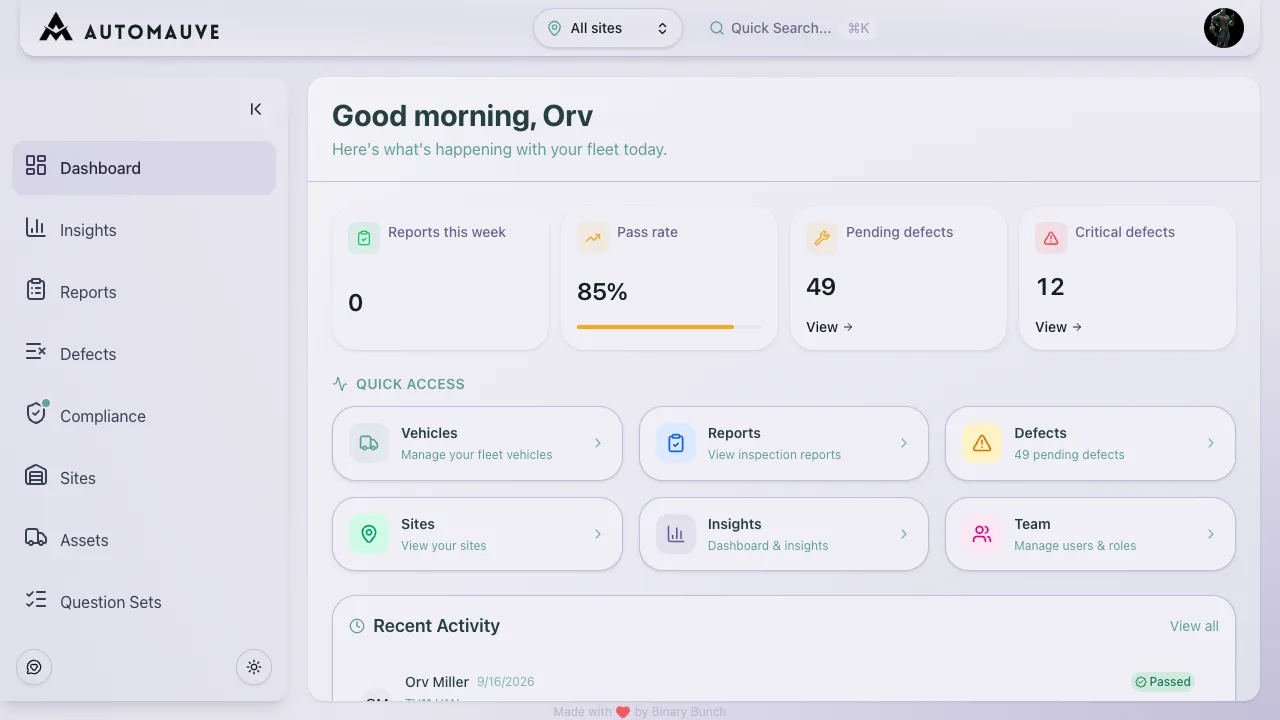
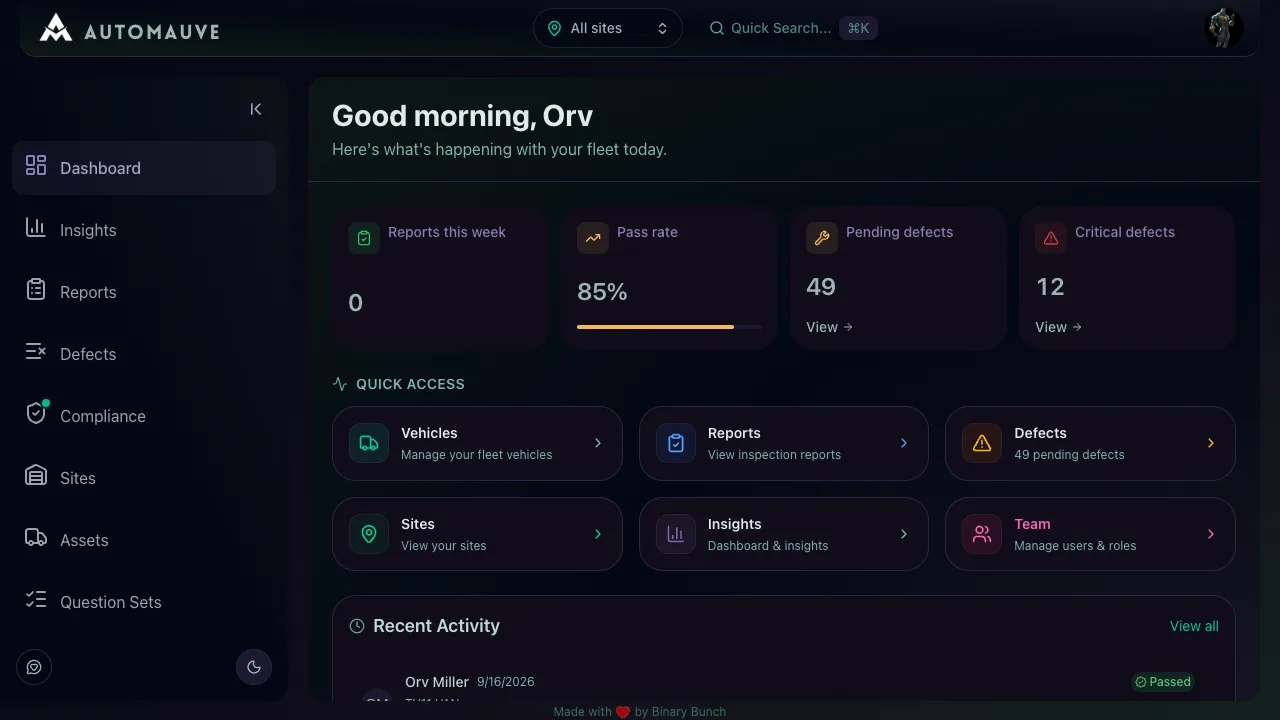
AutoMauve dashboard showing fleet readiness and inspection records

Set it up once. After that, you only deal with what fails.

  1. 1

    Admin · Web dashboard

    Set up your fleet

    Add your vehicles, trailers and drivers, then pick the checks each site uses. Start from the DVSA-aligned HGV walkaround or write your own questions.

  2. 2

    Driver · Mobile app

    Drivers check the vehicle

    Drivers work through the check on their phone. Anything that fails becomes a defect, with a note and photo, before they sign and submit.

  3. 3

    Fleet Manager · Web dashboard

    You deal with what failed

    The dashboard shows which vehicles were checked, which were missed and which have open defects. Work through the list and record each repair.

Drivers spot the problems. Now you hear about them in time.

A defect found at 6am shouldn’t reach the office on a crumpled sheet at 5pm. In AutoMauve, each check, defect, photo and repair decision is saved on the vehicle’s record as it happens, so the workshop, the depot and an auditor all look at the same thing.

Records you can find

Every check, defect, photo and repair is stored against the vehicle. When DVSA or your insurer asks, you pull it up by registration and date.

Less chasing

Missed checks show up on the dashboard. You stop texting drivers to ask whether they did their walkaround.

Repairs caught earlier

A worn tyre reported at 6am is on your dashboard as soon as the phone syncs, not in a pile of sheets on Friday.

Who, what and when

Each report records the driver, the vehicle, every answer, start and finish times, and their signature.

Quick for drivers

The check works with no signal, and the report sends itself once the phone reconnects. No sheets to hand in.

Your checks, your questions

Run different question sets for HGVs, vans, trailers and tail lifts, and give each site the ones it needs.

One tyre defect, followed through the whole system.

Follow one lorry, MX73 RKV, from its 06:34 walkaround to the fleet manager's attention queue. Each section below shows a different part of AutoMauve handling the same defect.

Smart Vehicle Checks

Guided walkaround checks on DVSA-aligned question sets, even without signal. Failed answers raise defects automatically.

  • DVSA-aligned HGV walkaround template, ready to publish
  • Yes/no, photo, video, signature, barcode and number answers
  • Failed answers raise a defect at the severity you set
  • Completes offline and syncs when the phone is back in signal

Real-time Compliance

Live check coverage for every vehicle, plus MOT, tax, and insurance dates before they lapse.

  • Coverage today: vehicles checked against those still due
  • Coverage scores for MOT, tax, insurance, certificates and maintenance
  • Documents marked valid, expiring soon or expired
  • Overdue checks and missing evidence queued for review

Photo Documentation

Photos sit on the exact check item or defect, with the driver, time, and location.

  • Photos and video attach to the question or defect they prove
  • Reports keep start and finish times, location and weather
  • Every report is signed by the driver who completed it
  • Evidence stays with the defect through repair and sign-off

Advanced Insights

Defect trends, hotspots, and site performance, with an attention queue that flags dangerous defects and suspiciously fast checks.

  • Activity trends for checks, incidents, defects and follow-ups
  • Defect hotspots show the failure rate for every question
  • Site performance and a map of where checks happened
  • Attention queue for dangerous defects and suspiciously fast checks

Fleet Notifications

Email alerts for dangerous defects, overdue checks, and expiring documents.

  • Email alerts, set up per site
  • Alert schedules chosen for each day of the week
  • Checks, incidents, MOT, tax, insurance, licences and maintenance
  • Drivers get a push notification when their defect changes status

Multi-site Management

Run every depot from one account, with vehicles, drivers, and checks organised by site.

  • Vehicles, trailers, users and question sets belong to sites
  • Switch between one site and all sites from the dashboard header
  • Compare site performance side by side in Insights
  • Give each user access to the sites they work at

Role-Based Access

Five built-in roles, from Driver to Admin, plus custom roles with fine-grained permissions.

  • Admin, Fleet Manager, Driver, Maintenance and Viewer built in
  • Custom roles built from granular permissions
  • Separate permissions to update, override and escalate defects
  • Billing and company settings limited to the roles you choose

See it working with your own vehicles.

Driver checksDefect evidenceFleet readinessCompliance history