What small fleets need from inspection software
Once a fleet grows past a few vehicles, paper checks, defect messages and manual filing stop telling you what’s going on.
The hard part is finding something organised enough to rely on and simple enough that drivers and managers use it every day.
Who this fleet inspection software is for
Small fleets, trades, local operators, site teams and growing businesses that want more control over checks and defects.
Teams that want proper records without hiring someone to run the software.
Paper, folders, spreadsheets and MOT reminders
A mix of paper checklists, folders, spreadsheets, group chats and calendar reminders for MOTs.
Each covers one part of the job. None of them shows you, in one place, which vehicles are fit to go out.
Why spreadsheets and enterprise systems both fall short
The bigger the team, the more time goes on checking that records exist instead of dealing with what they say.
Enterprise fleet systems do far more than you need, while manual tools don’t give you enough detail when something goes wrong.
What AutoMauve’s fleet inspection software covers
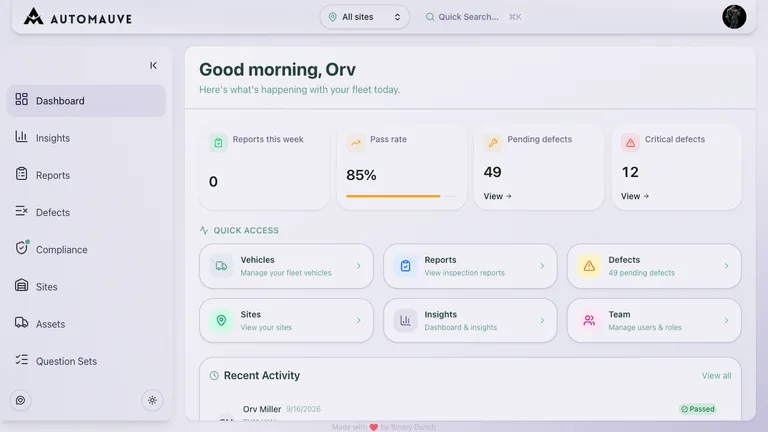
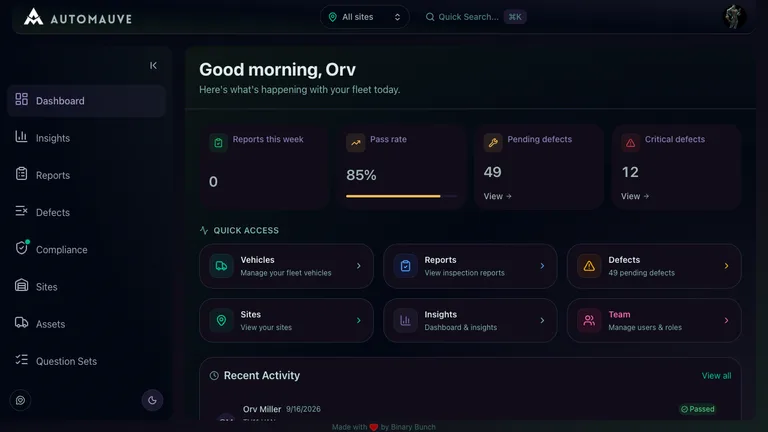
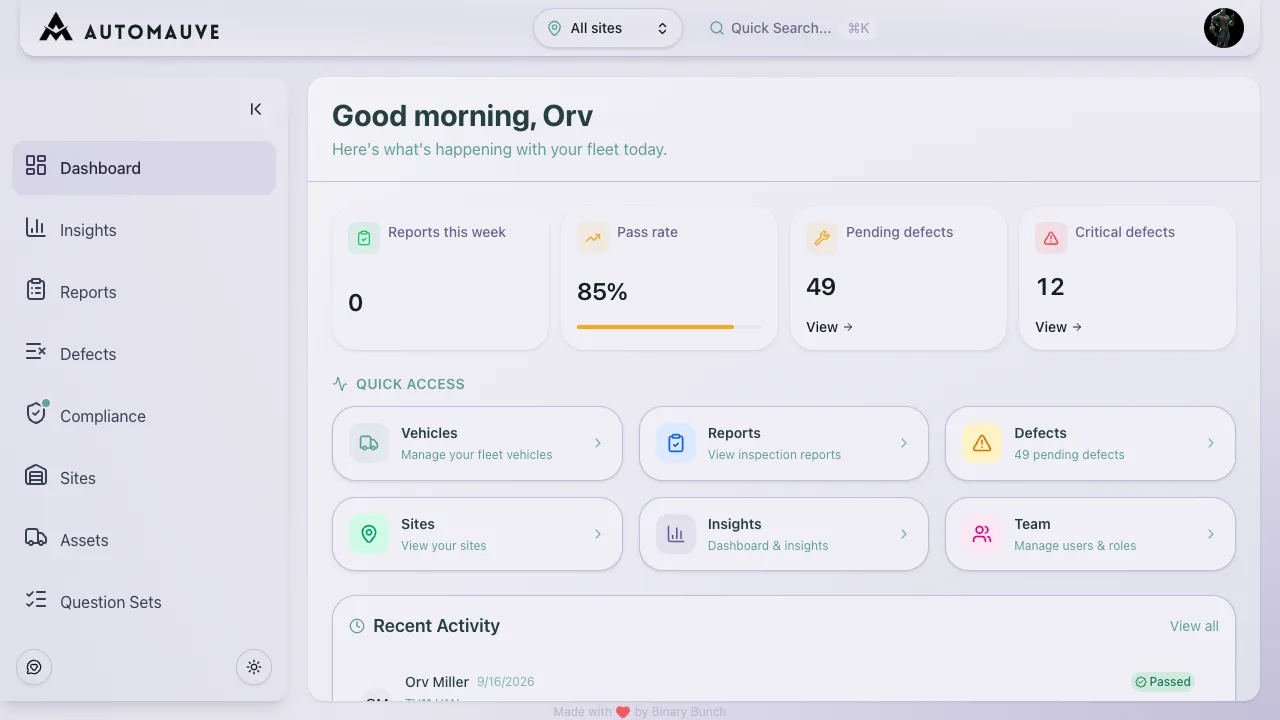
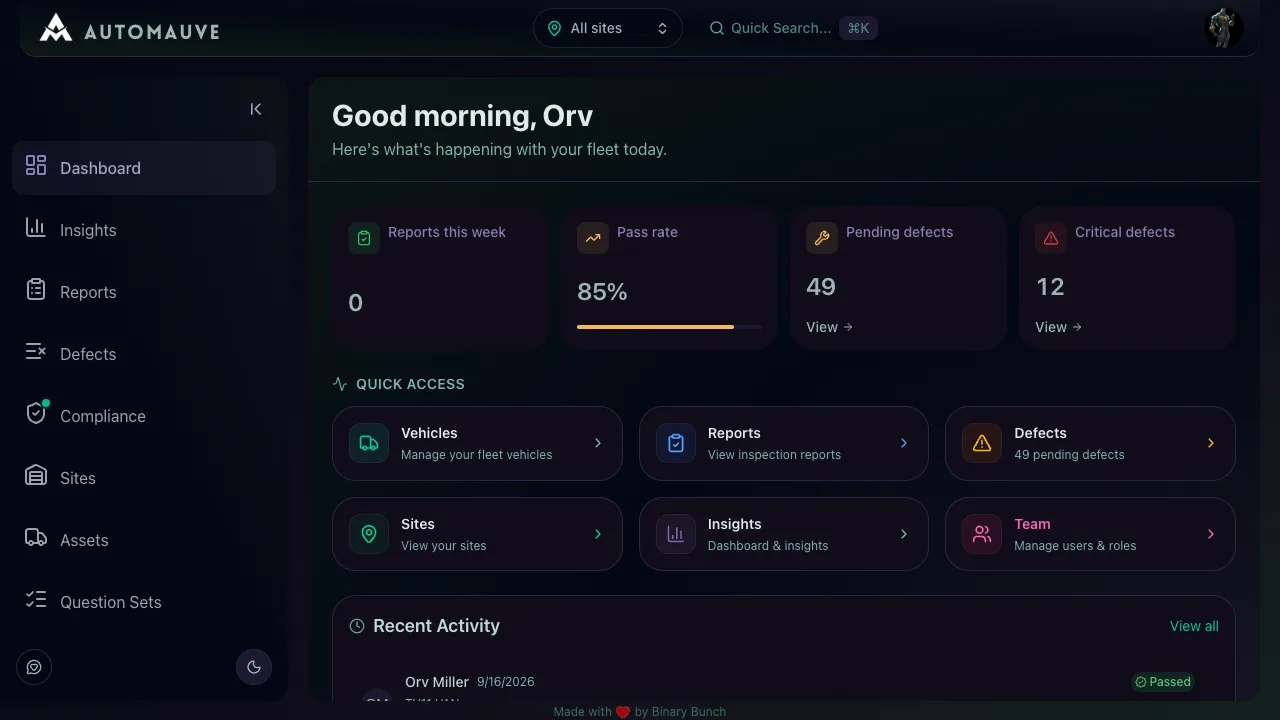
AutoMauve sticks to one job: vehicle and trailer checks, the defects they raise, the repairs that follow, and the MOT, tax and insurance dates around them.
Setting up means adding your sites, vehicles and drivers and publishing a question set. The DVSA-aligned HGV walkaround is ready to use.
Setting up fleet inspections
- 1Add your vehicles, trailers, drivers and sites.
- 2Choose the inspection templates for the vehicles you run.
- 3Drivers submit checks and defect photos from their phone.
- 4You review missed checks, open defects and upcoming expiry dates on the dashboard.