Why tail-lift checks need their own form
A tail lift, crane or tipper body has its own checks and its own faults, separate from the vehicle’s daily check.
When those checks live on a separate clipboard, they’re easy to skip and hard to find when someone asks.
Who the tail-lift inspection app is for
Operators running vehicles with tail lifts or other fitted equipment, and the supervisors who have to show it was checked.
It’s most useful where the same vehicles need both a daily walkaround and a separate equipment check.
Separate clipboards and generic form apps
A separate paper form, a generic form app, or photos in a group chat when something breaks.
Different depots end up with their own version of the same check, so the records don’t match.
Why equipment checks get skipped
Equipment checks get skipped when they depend on someone remembering a separate form.
And when a fault is reported, the photos and repair decision don’t stay with the vehicle’s history.
How tail-lift inspections work in AutoMauve
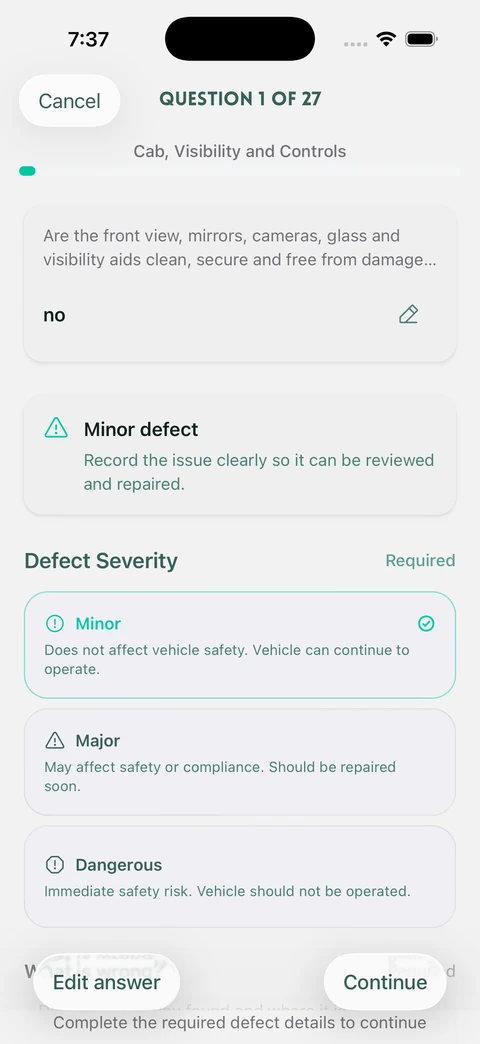
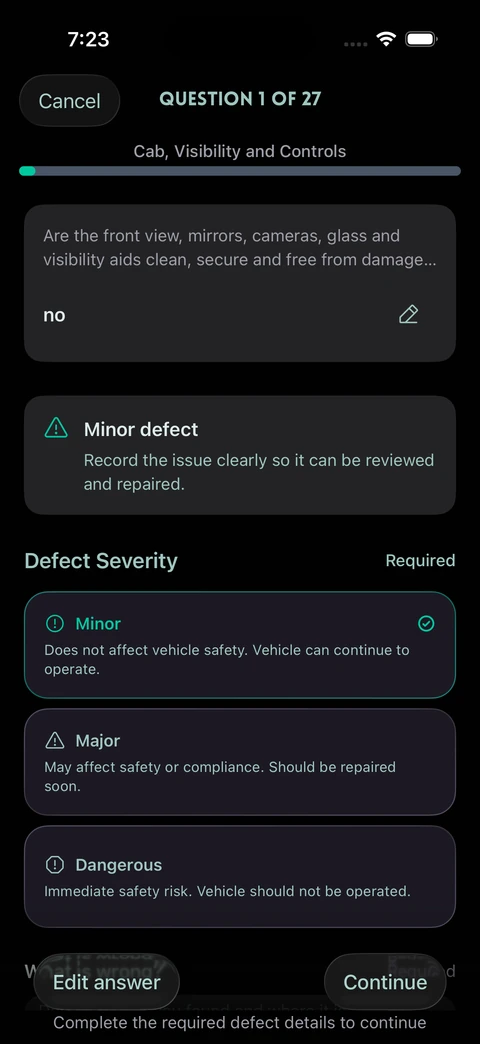
AutoMauve has a separate Tail Lift Inspection check type. You build its questions like any other question set, and failed answers raise defects in the same way. For other fitted kit, you can build a vehicle check question set of its own.
These inspections sit on the vehicle’s record next to its daily checks. A pre-use check doesn’t replace the LOLER thorough examination by a competent person, but it records what the driver found each time the lift was used.
AutoMauve is built around vehicles and trailers, so it isn’t the right tool for plant or site equipment that isn’t registered to a vehicle.
A tail-lift inspection, day to day
- 1Create a Tail Lift Inspection question set, or a vehicle check for other fitted equipment.
- 2Assign it to the sites whose vehicles need it.
- 3Drivers complete it on their phone, with photos for anything that fails.
- 4Review equipment defects and repairs on the vehicle’s record.